How to Add an AI Chatbot to Your Website: Tidio vs Landbot
A website chatbot should solve a small set of customer problems well. It should not pretend to know everything, trap users in loops, or block access to a human. The best first chatbot answers repetitive questions, captures qualified leads, and hands off conversations when confidence is low.
This guide compares Tidio and Landbot and gives you a practical setup process.
Choose one job for the chatbot
Start with a single measurable objective:
- Answer product, shipping, return, or scheduling questions
- Qualify visitors before sending them to sales
- Collect contact details outside business hours
- Route customers to the right page or team
- Book appointments or demonstrations
If you try to automate every conversation at launch, you will make testing harder and create more ways to fail.
Prepare the source material
Collect the information the bot is allowed to use: FAQ pages, product details, policies, pricing, contact routes, and escalation rules. Remove outdated or conflicting answers before connecting them. A chatbot grounded in bad documentation will produce bad customer experiences faster.
Write approved answers for the 20 questions customers ask most often. Include links to the relevant page and define topics the bot must send to a human, such as billing disputes, safety issues, legal questions, or account security.
Tidio vs Landbot

Choose Tidio for support plus live chat
Tidio combines live chat, chatbots, email features, and the Lyro AI assistant. It is a good fit when customer service is the main use case and you want automated answers alongside a shared human support workflow.
- Customer-support automation and live chat
- FAQ resolution with human escalation
- Multichannel support workflows
- Teams that want support analytics in the same platform
Choose Landbot for visual conversation flows
Landbot combines AI agents with rule-based logic in a visual no-code builder. It is useful for lead qualification, guided product selection, website conversations, and WhatsApp workflows where the order of questions matters.
- Lead-generation and qualification flows
- Conditional conversations with clear branches
- Website and WhatsApp chatbot experiences
- Teams that prefer a visual no-code flow builder
The setup checklist
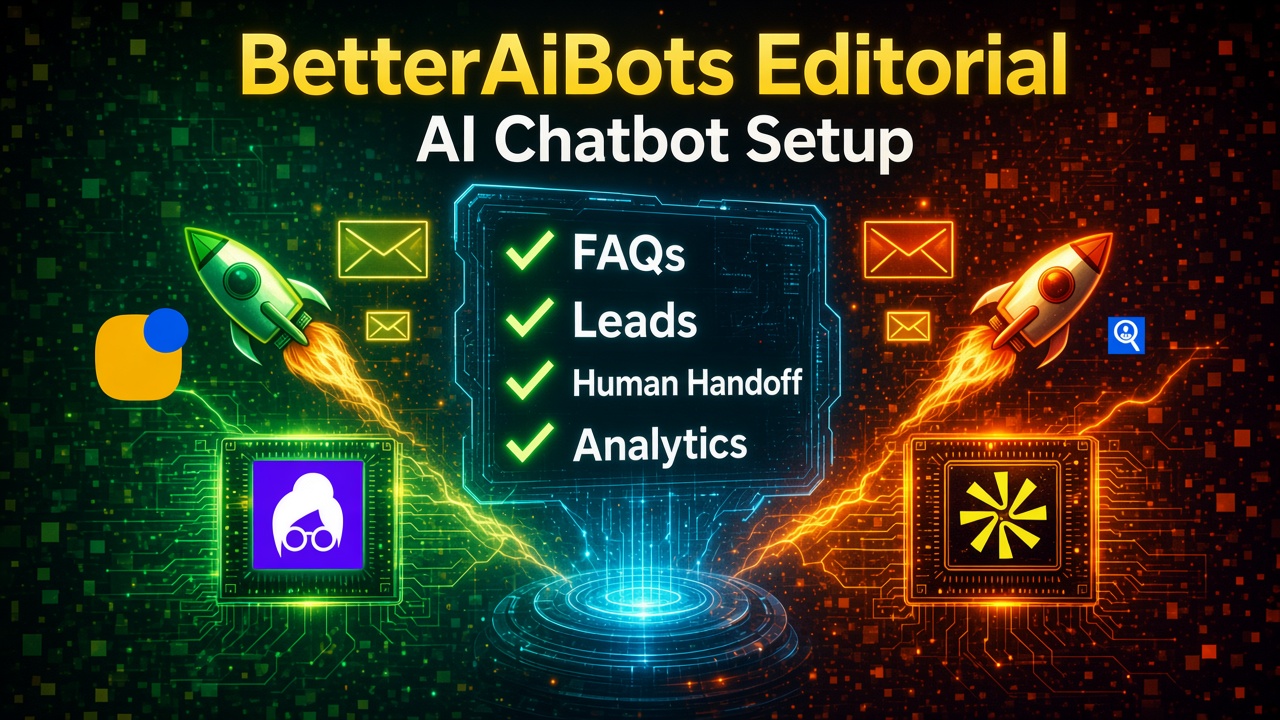
- Define the chatbot's one primary objective.
- Load only current, approved source material.
- Write a clear welcome message that explains what the bot can do.
- Collect the minimum personal information required.
- Add a visible “talk to a person” option.
- Define what happens outside business hours.
- Test on mobile, desktop, and slow connections.
- Review failed conversations every week after launch.
Test with real questions
Create at least 30 test questions across four groups: common questions, vague questions, angry customers, and out-of-scope requests. Check whether answers are correct, whether the bot links to the right page, and whether escalation works.
Ask someone who did not build the chatbot to test it. Builders unconsciously follow the expected path; real visitors do not.
Privacy and trust
- Tell visitors when they are interacting with automation.
- Do not request passwords, full payment data, or unnecessary sensitive information.
- Review vendor privacy and retention settings before connecting customer data.
- Give users a path to correction and human support.
Measure useful outcomes
Track resolution rate, human handoff rate, lead completion, customer satisfaction, and incorrect-answer reports. A lower handoff rate is not automatically good if users are abandoning the conversation. Optimize for solved problems and qualified leads, not maximum automation.
Start building
Use the Tidio guide or Landbot guide for a deeper walkthrough. You can compare both in the BetterAiBots free trials section and save your shortlist in My AI.